

How to deposit your TakeBag
Follow these simple steps at your nearest Pick! locker.

Step 1:
Gather Your E-Waste
Before you start packing, do a proper sweep of your home. The devices that belong in a TakeBag are usually scattered across a few spots:
- The tech drawer: old phones, tangled cables, chargers for devices you no longer own
- A shelf or cabinet: old laptops, tablets, portable speakers, handheld consoles
- The bathroom or bedroom: electric shavers, hair straighteners, old electric toothbrush heads
- Kitchen drawers: remote controls, calculators, small electronic gadgets
- The living room: power banks, webcams, wireless mice and keyboards
Gather everything in one spot before you start packing. It is faster, and you are less likely to miss something.

Step 2:
Back Up Anything You Want to Keep
For any device that holds data, take a few minutes to back up before it goes in the bag. This means:
- Photos, videos, and voice recordings
- Contacts and calendar data
- App data, saved passwords, or authenticator apps that need to be migrated
- Documents stored locally on a laptop or tablet
Transfer files to a new device, an external drive, or cloud storage. Check your Downloads folder and Desktop on laptops, as these are the spots most people forget.
Tip: For iPhones, turn off Find My iPhone before recycling. For Android devices, remove your Google account under Settings before the factory reset.

Step 3:
Wipe Your Devices
Run a factory reset on every device that held personal data before it goes into the bag. Here is how to do it on each platform:
- Android: Settings > General Management > Reset > Factory Data Reset
- iPhone: Settings > General > Transfer or Reset iPhone > Erase All Content and Settings
- Windows laptop: Settings > System > Recovery > Reset this PC
- Mac: System Settings > General > Transfer or Reset > Erase All Content and Settings
Important: a factory reset removes your file references but does not fully erase the underlying data. It is a good first step, but it is not sufficient on its own. Every device collected through TakeBag goes through certified data destruction at KGS's Tuas facility, which makes recovery genuinely impossible. The factory reset is your first layer of protection. KGS handles the rest.

Step 4:
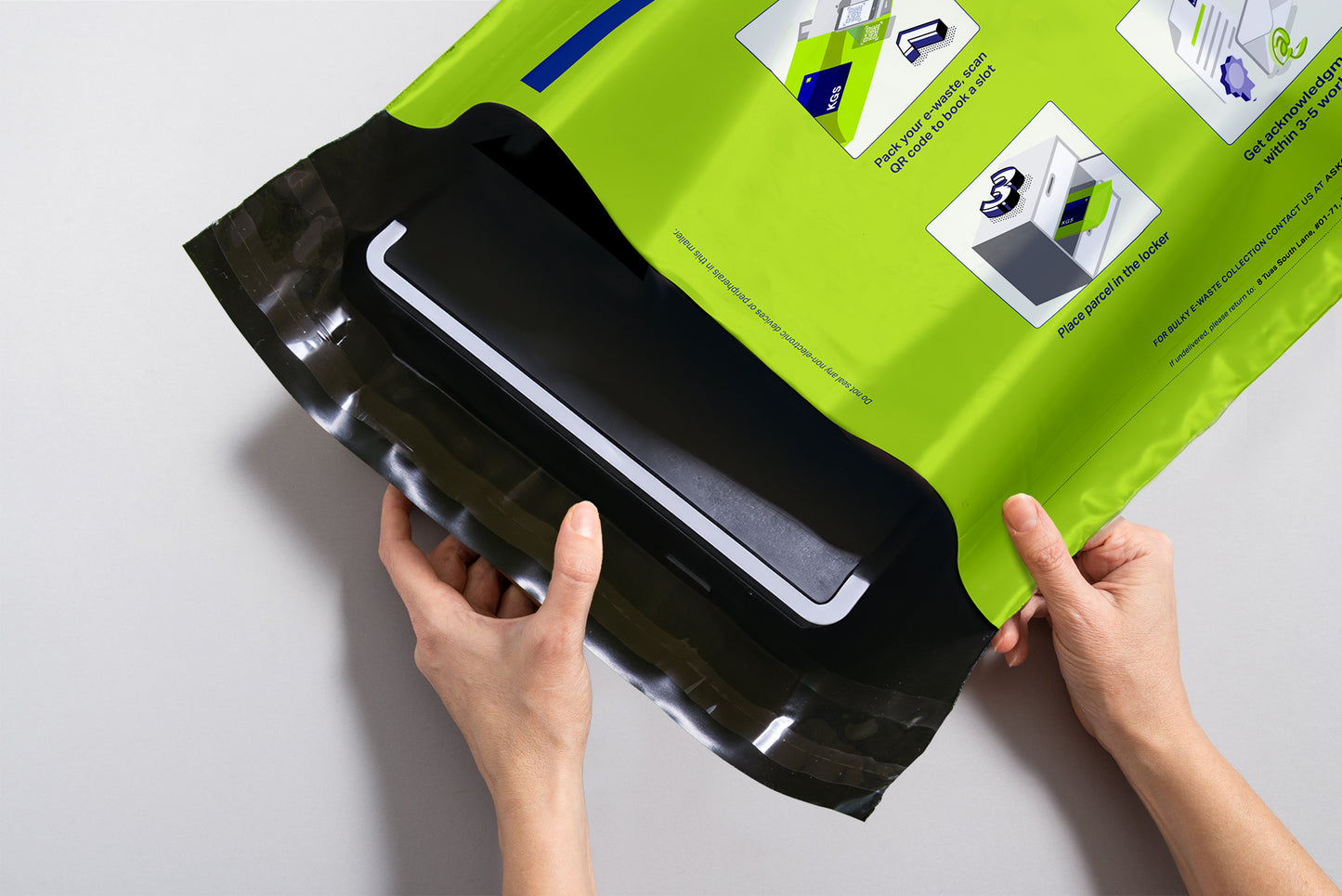
Pack Your TakeBag
Once your devices are wiped, pack them into your TakeBag. A few things to keep in mind:
What to remove before packing
- SIM cards and external SD cards from phones and tablets. These should be kept or returned to your telco
- Any cases or screen protectors you want to keep
What to leave inside devices
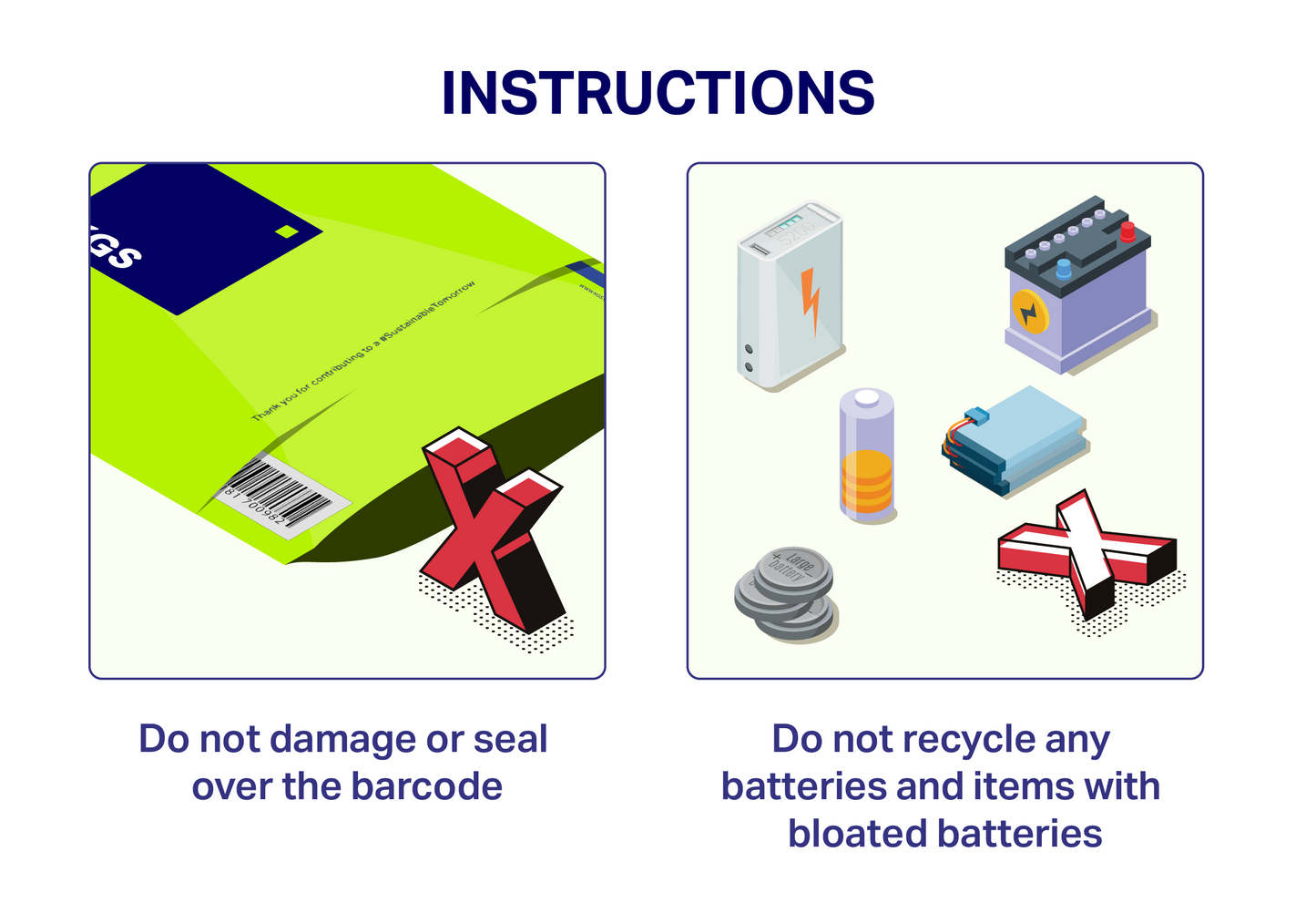
- Batteries: leave them inside their devices rather than removing them
Loose AA, AAA, or coin cell batteries should be placed in a small sealed bag before going into the TakeBag. For large quantities of loose batteries, check our battery recycling guide for the best drop-off options.
Packing tips
- Coil cables loosely, as tight coils take up more space than you need
- Wrap cracked screens or loose components in a cloth or newspaper to protect other items
- Pack heavier items like laptops at the bottom, lighter accessories on top
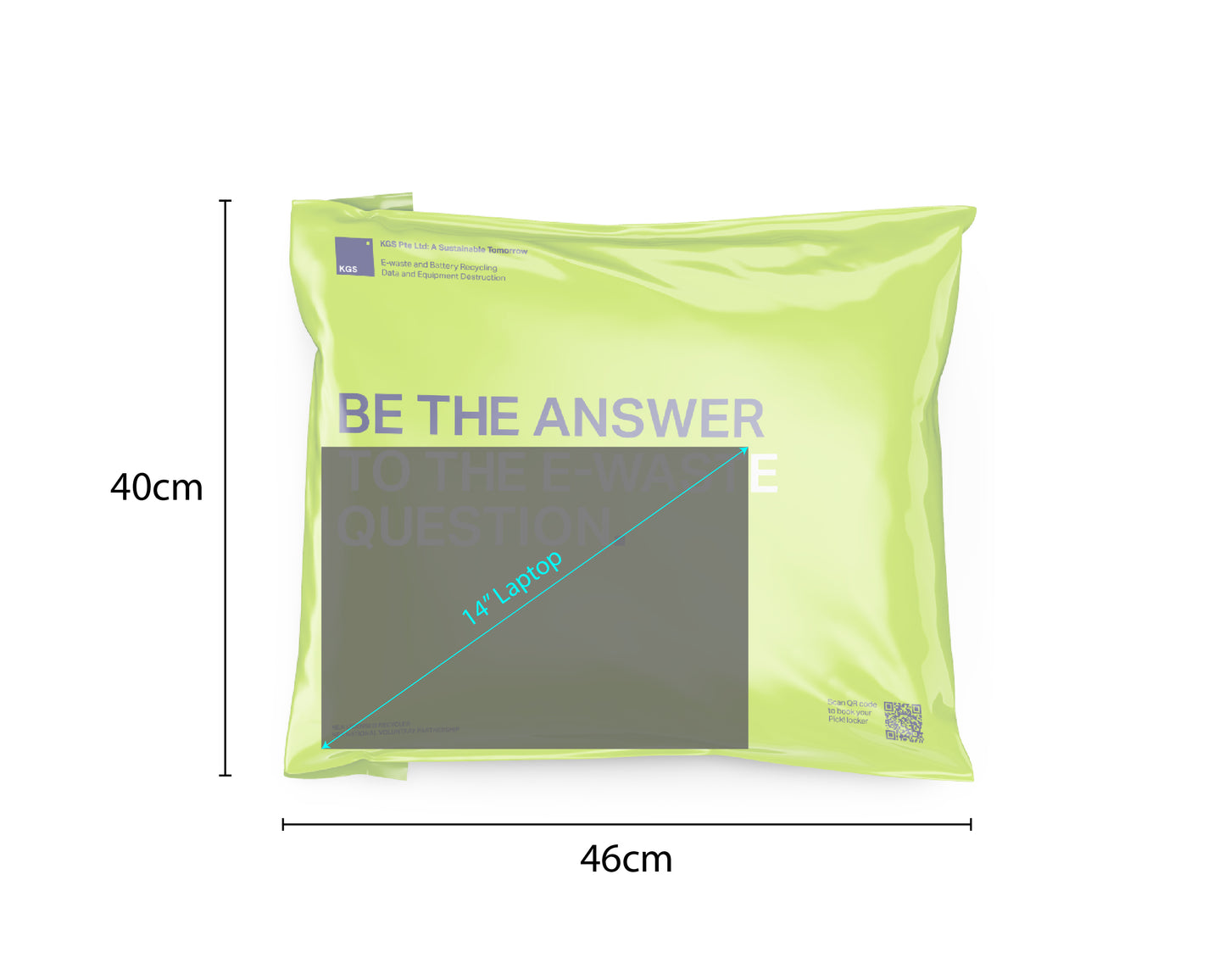
Not sure if a particular item is accepted? The short answer is: if it is e-waste and fits in the bag, it can go in. For a full accepted items list, see What E-Waste Can You Drop Off at a PICK! Locker?

Step 5:
Find Your Nearest PICK! Locker and Book Your Slot
Scan the QR code on your TakeBag to start the booking process, or visit the PICK! locker locator at picknetwork.com to browse locations near you. Filter by return-eligible to see lockers that accept TakeBag drop-offs.
PICK! lockers are located at HDB void decks, MRT stations, shopping malls, community clubs, and supermarkets across Singapore. With over 1,100 locations islandwide, there is almost certainly one within a few minutes of your home.
Once you confirm your booking, you have seven days to complete the drop-off. You will receive a confirmation with your locker details.
Tip: Download the PICK! app before you go. It shows you whether lockers at a location are close to being full, so you can plan ahead and avoid a wasted trip.

Step 6:
Drop Off Your Bag
Head to your chosen PICK! locker location. When you arrive:
- Open your assigned compartment using the QR code from your confirmation message or by entering your booking reference on the locker screen.
- Place your TakeBag inside and close the compartment door firmly until you hear it click.
- You are done. The entire drop-off takes about two minutes.
If the locker you head to is full, make your way to the next nearest PICK! locker location. The PICK! app will help you check availability before you leave home.
What Happens After Drop-Off?



Can Batteries Be Recycled?
Many people don't know this but we have a comprehensive guide to understand this!
